
Spy Camera Detector Features
Five scan modes, one for each physical trace a concealed camera cannot avoid leaving. Here is what each one detects, and just as importantly, what it does not.
A hidden camera cannot be invisible in every way at once. It has to see the room, so it has a lens. It has to run, so it draws power and carries magnetic components. It usually has to send footage somewhere, so it holds a radio. And if it records in the dark, it lights the room with infrared you cannot see. AI Hidden Camera Detector Pro has one scan mode for each of those weaknesses.
Each mode is described in full on its own page below, including what it can find, what it will falsely flag, and how to run it properly. If you are new to this, start with the complete guide to finding hidden cameras, which puts the five scans in the right order for a real room.
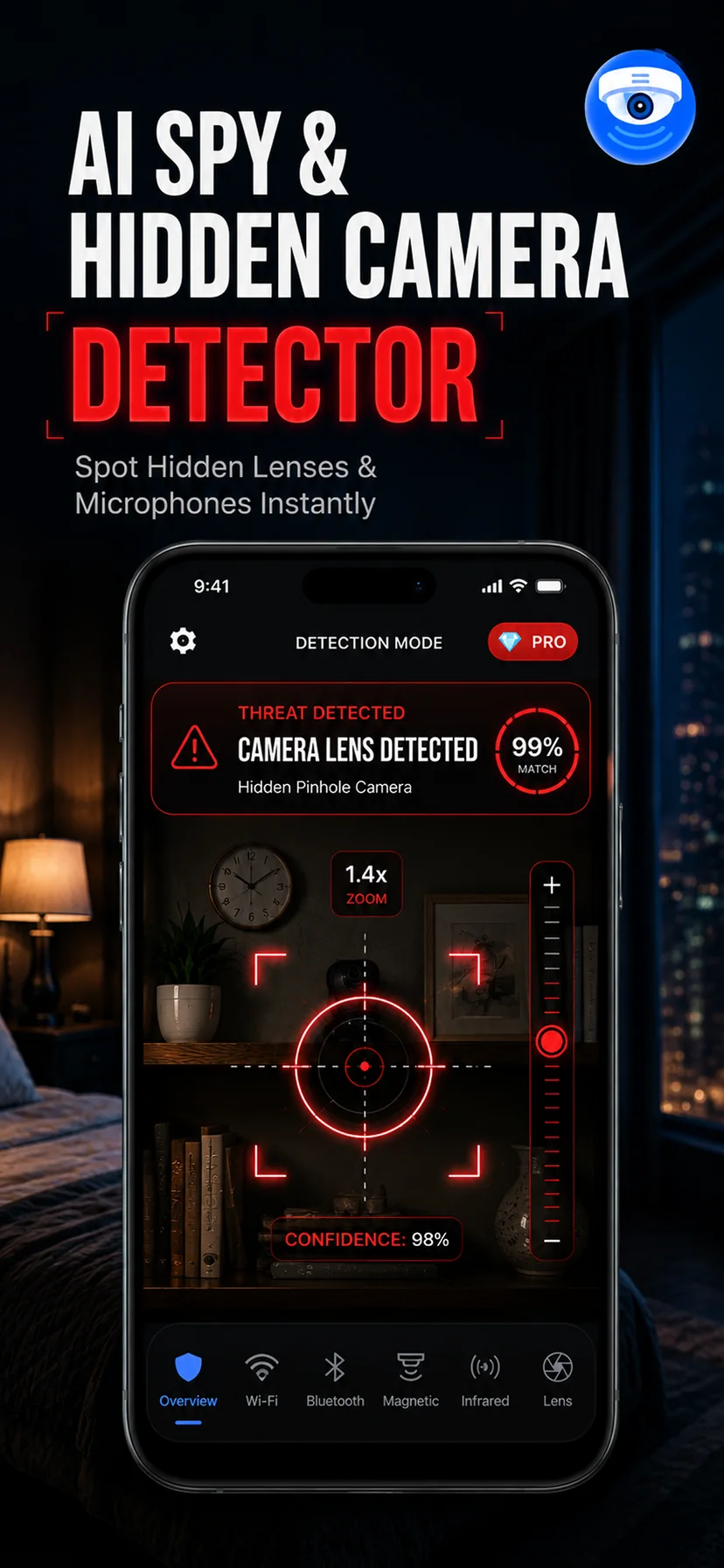
AI Lens Detection
Neural lens recognition highlights the retroreflective glint that separates a real lens from a screw head or a sticker.
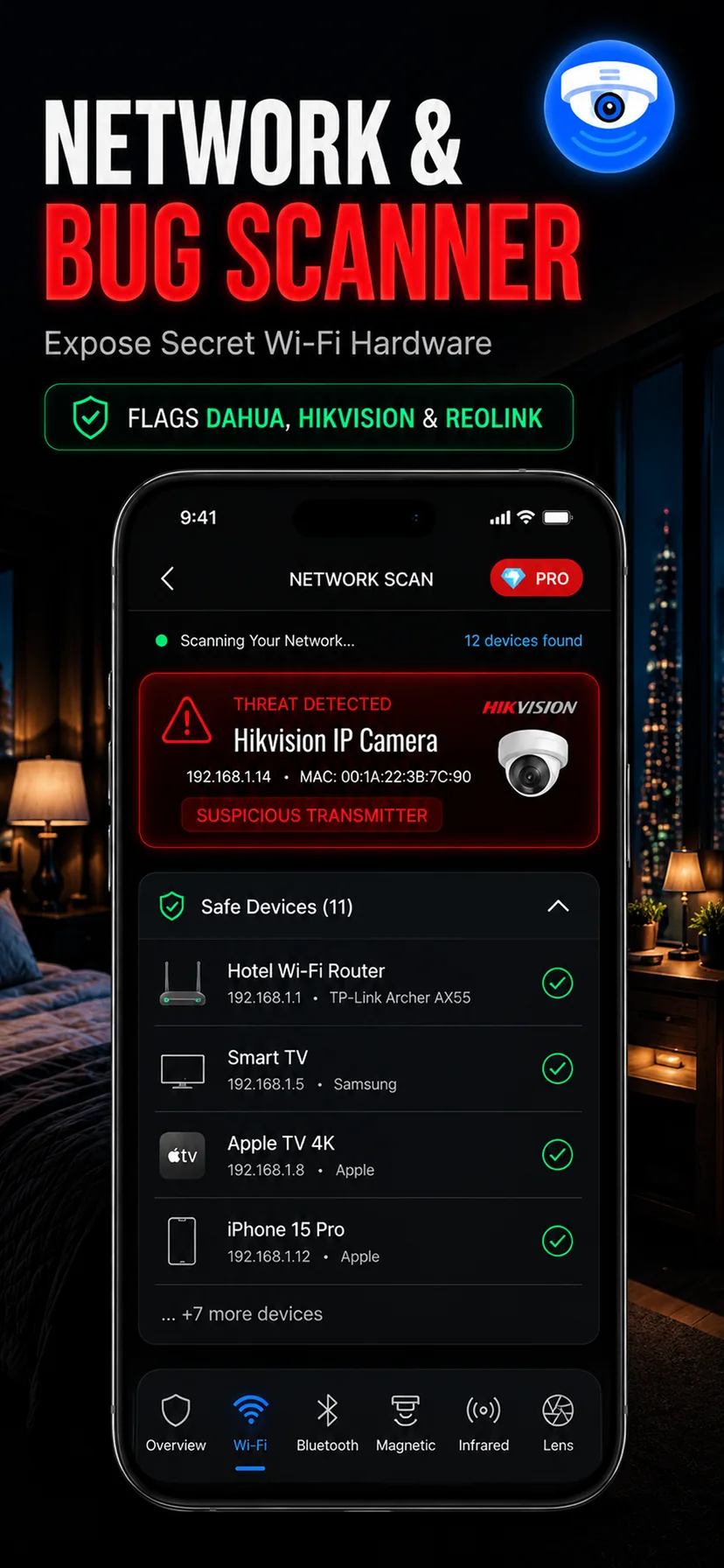
Wi-Fi Scanner
Map every device sharing the local network and surface the camera-class hardware that has no business being there.
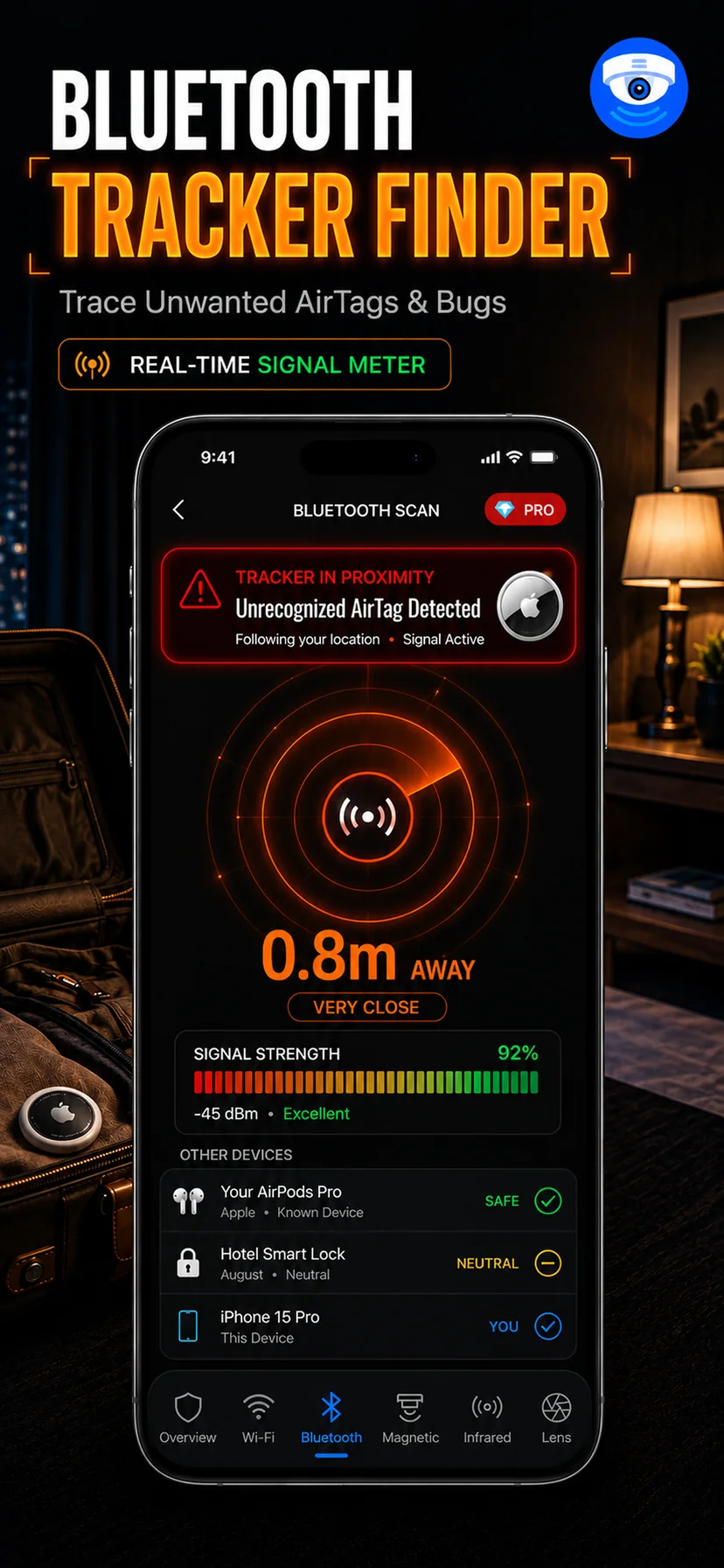
Bluetooth Scanner
List nearby Bluetooth and BLE devices, including unknown trackers, with a signal-strength hint for closing in.
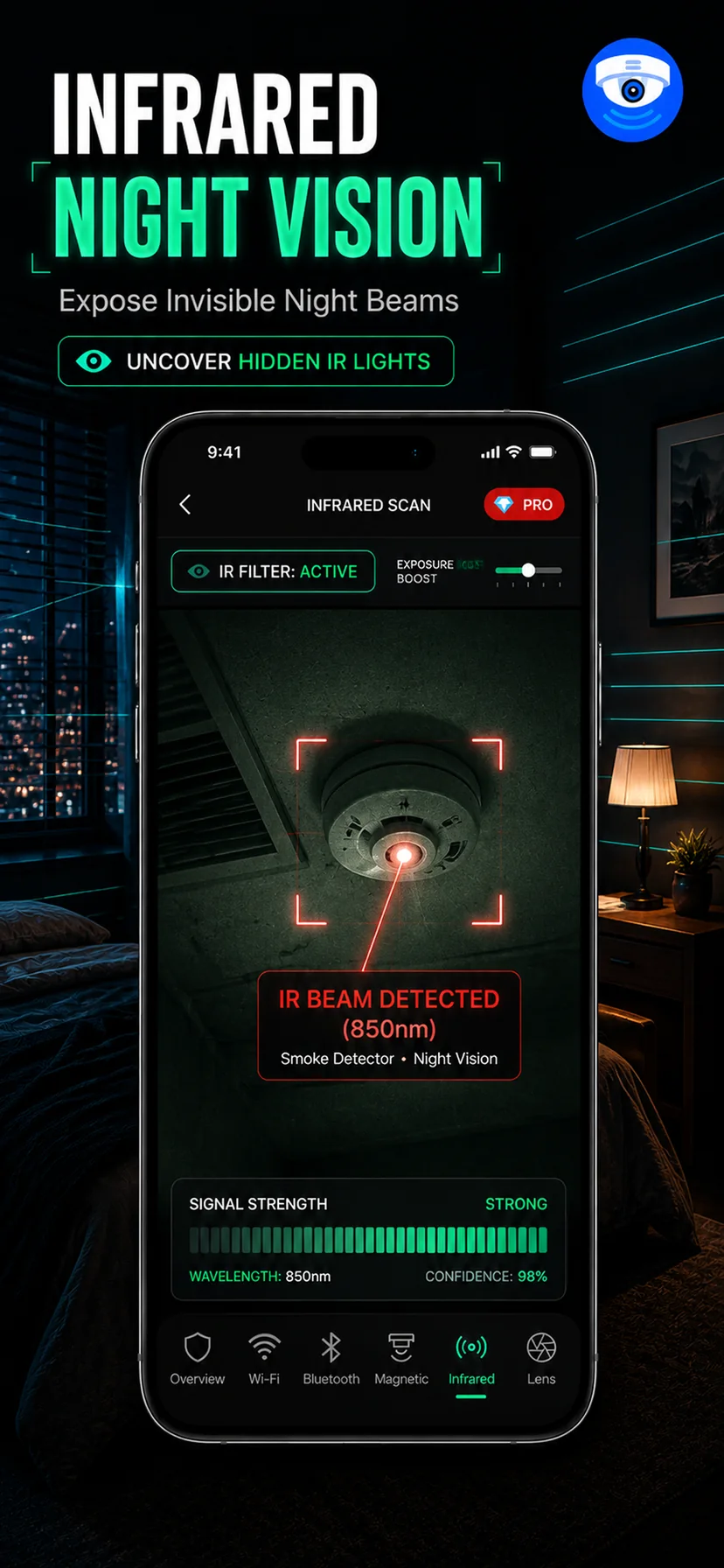
Infrared Scanner
Night-vision cameras floodlight a dark room with IR. Your phone's sensor sees it; your eyes do not.
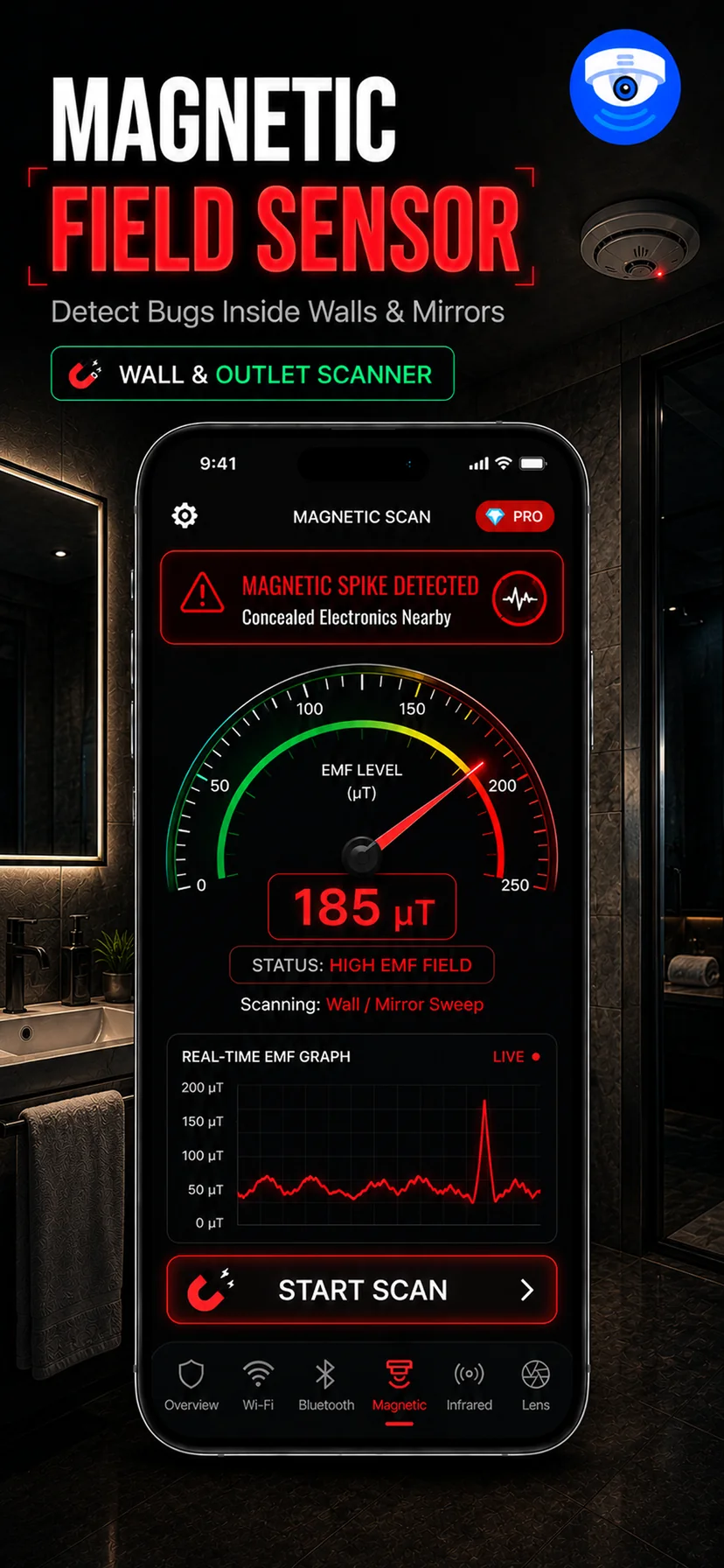
Magnetic Field Detector
A live magnetometer graph that spikes over electronics concealed inside furniture, mirrors and walls.
Why five scans instead of one
Every individual method has a blind spot. A camera hidden behind smoked glass gives no lens glint. A camera recording to a local SD card broadcasts nothing at all, so the wireless scans stay quiet. A daylight-only camera has no infrared LEDs. A camera inside a plastic housing on an open shelf barely disturbs the magnetic field. Any single-method detector — including the expensive dedicated ones — misses a specific category of device.
Running several scans over the same object is what turns a weak signal into a decision. A smoke detector that shows a lens glint and a magnetic spike and an unknown Wi-Fi device on the network is not a coincidence. A smoke detector that trips only the magnetic scan is just a smoke detector, which contains a magnet and a battery. Corroboration is the whole method, and it is why the app keeps the modes separate rather than blending them into a single meaningless score.
What the app deliberately does not claim
It does not detect cameras through walls, it does not identify a device by brand, and it does not tell you whether something is currently recording. No consumer app can do those things, and any that claims to is selling confidence rather than capability. What this app gives you is a structured, repeatable sweep using sensors you already own — which is enough to find the overwhelming majority of consumer spy cameras people actually encounter.