Infrared Camera Detector
A camera that records in the dark has to light the room with infrared. Your eyes cannot see it. Your iPhone's front camera usually can.
Night vision is a light source, not a superpower
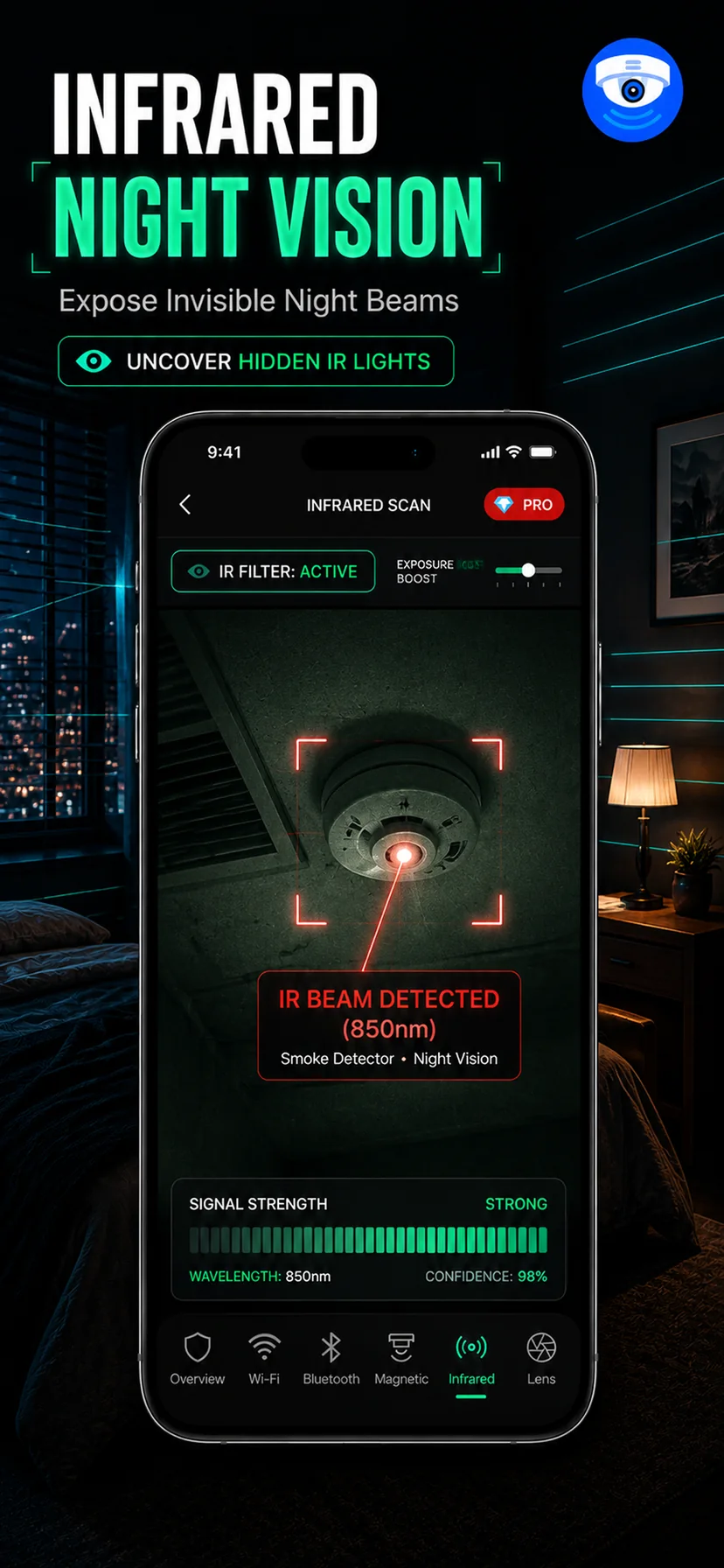
There is a persistent misconception that a night-vision camera sees in total darkness. It does not. It illuminates the room with infrared light and photographs the reflection, exactly as a flash camera does — the difference is that the human eye cannot register wavelengths just past the red end of the visible spectrum, so the room looks pitch black to you while being brightly lit to the camera.
Any camera intended to record a bedroom at night therefore has to be an active infrared emitter. That turns its greatest advantage into a liability, because silicon image sensors — including the one in your iPhone — are naturally sensitive well into the near-infrared range. A device that is genuinely invisible to you is often plainly visible on your own screen.
Front camera or rear camera
This is the detail that determines whether the check works at all. Manufacturers fit an infrared cut filter over the main rear camera to keep IR from washing out colour accuracy in daylight photography. That filter is doing its job when it blocks exactly the light you are trying to see.
Front-facing cameras are generally built to a different specification and typically pass far more near-infrared. So the practical rule is: try the front camera first. The classic way to confirm your own phone's behaviour before you rely on it is to point it at a TV remote in a dark room and press a button. If a violet-white flicker appears at the tip of the remote on screen, that camera sees infrared and you can trust the scan. If nothing appears, switch cameras and repeat. Doing this test once, at home, before you actually need it is worth more than any amount of reading.
Running the scan
- Make the room genuinely dark. Curtains closed, lights off, standby LEDs covered where you can. Most IR illuminators are light-triggered and simply will not switch on while the room is bright, so a scan with the lights on tells you nothing.
- Give your setup a minute. Some cameras take a moment to decide it is dark and engage night mode. Do not sweep the room in fifteen seconds and conclude it is clean.
- Sweep slowly across every surface facing the bed, desk or doorway. Watch the screen, not the room. IR LEDs typically appear as a small cluster of faint violet, pink or washed-white dots.
- Pay attention to the object types that matter. Smoke detectors, alarm clocks, speakers, air purifiers, TV bezels, vents, picture frames and anything with a dark plastic panel that could be IR-transparent while looking opaque to you.
- Check anything you find twice. A remote control left on a table, a motion sensor for the lighting system and some smart-home hubs also emit infrared. Identify the object before concluding anything.
What the infrared check misses
A camera recording only in daylight has no IR illuminator and stays completely dark to this scan. Some higher-end units use 940 nm LEDs, which are much dimmer to a phone sensor than the common 850 nm parts and can be missed entirely. And a camera behind a genuinely IR-opaque cover shows nothing.
What the check does exceptionally well is cover the one scenario people care about most: being recorded while asleep or undressed in a dark room. That is the specific case where night vision is mandatory, and therefore the specific case where infrared detection is at its strongest. Pair it with the lens scan in daylight and the magnetic detector for concealed hardware, and follow the ordering in our hotel room check.