AI Lens Detection — Hidden Lens Detector
A concealed camera can hide its body, its power and its radio — but not its lens. This is how the app finds the one thing that cannot be disguised.
The one thing a camera cannot hide
A camera can be buried in a smoke detector, sunk into a clock face or slipped behind a two-way mirror, but it still needs an unobstructed optical path to the room. That path ends in a lens, and a lens has a physical property that ordinary objects do not: it is retroreflective. Light entering a lens is focused onto a sensor and a portion of it bounces straight back along the path it arrived on. Shine a light directly at a hidden lens from your own viewing angle and you get a small, sharp, oddly bright point of return — a glint that stays lit as you move, while ordinary reflections slide away.
This is the trick every professional lens finder is built around, and it works because it exploits optics rather than electronics. It finds cameras that are switched off. It finds cameras that record to a local SD card and never touch a network. It finds cameras with no infrared LEDs. Those are precisely the devices that defeat a wireless or IR-based sweep.
Where the AI comes in
The weakness of a plain glint sweep is that rooms are full of small shiny things. Screw heads, mirror pinholes, cabinet hardware, adhesive dots, the metallic thread in a lampshade, water droplets on a bathroom tile — all of them return light. Someone doing this by eye spends most of their time chasing hardware.
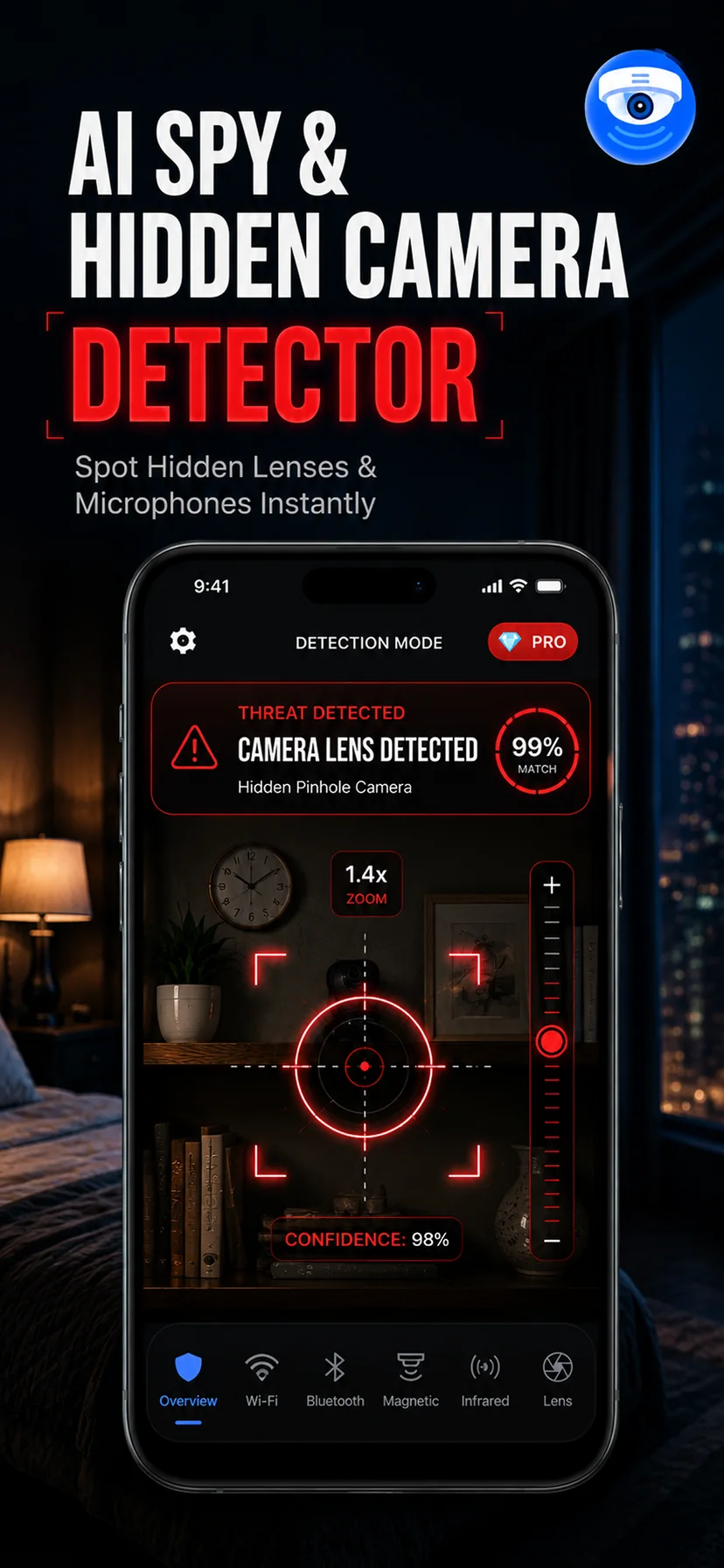
The lens detection mode runs a recognition model over the live camera feed that is trained on the visual signature of concealed lens apertures rather than on brightness alone. It weighs the shape of the aperture, how circular and how dark the surround is, how the reflection behaves as your viewing angle changes, and how it sits against its housing. The result is a much shorter shortlist. It is not infallible — it will still occasionally highlight a screw — but the difference between reviewing four candidates and reviewing forty is the difference between finishing a sweep and abandoning it.
How to run the scan properly
- Dim the room, but do not black it out. Low ambient light makes a glint stand out; total darkness removes the light source the glint depends on. Curtains drawn and overheads off is about right.
- Hold the phone at eye height and sweep slowly. The retroreflection only returns if the light and your eye are close to the same axis, which is why the phone's own torch beside its lens works so well. Move at a walking pace, not a swing.
- Cover the angles a camera would want. Stand where you sleep, sit and undress, then scan every surface facing you. A camera placed where it cannot see you is not worth anyone's effort to install.
- Change your position and re-check every hit. A true lens holds its bright point across several viewing angles. A stray reflection off flat metal disappears the moment you move a step sideways. This single test eliminates most false positives.
- Get close to the priority objects. Smoke detectors, alarm clocks, air purifiers, TV bezels, mirrors, plug-in air fresheners, wall vents and anything with a small dark hole in it. Scan those from thirty centimetres, not across the room.
What it will not find
A lens behind a tinted or smoked panel returns far less light, and a pinhole lens in a genuinely dark recess can be missed. A camera pointed away from you will not show its aperture from where you are standing. And a lens covered in dust or fingerprints diffuses the return. This is exactly why the lens scan is one of five modes: pair it with the infrared check for night-vision units, the Wi-Fi scan for streaming cameras, and the magnetic detector for hardware sealed inside a fitting where no optical path is visible at all.
Used the way it is meant to be used — slowly, at eye height, with every hit re-checked from a second angle — the lens scan is the highest-yield single test in the app, because it is the only one that does not depend on the camera doing anything.